Fund
From the account you already have.
Bank transfer through our banking partners, or mobile money through our mobile-money partners. It has to be in your name. Deposit $500 and the screen shows a $30 fee and $470 credited before anything moves.
A wallet for USDT and USDC
Bring it in from your bank or mobile money. The fee is on the screen before you confirm. Then it sits with you, ready to hold, send or receive.
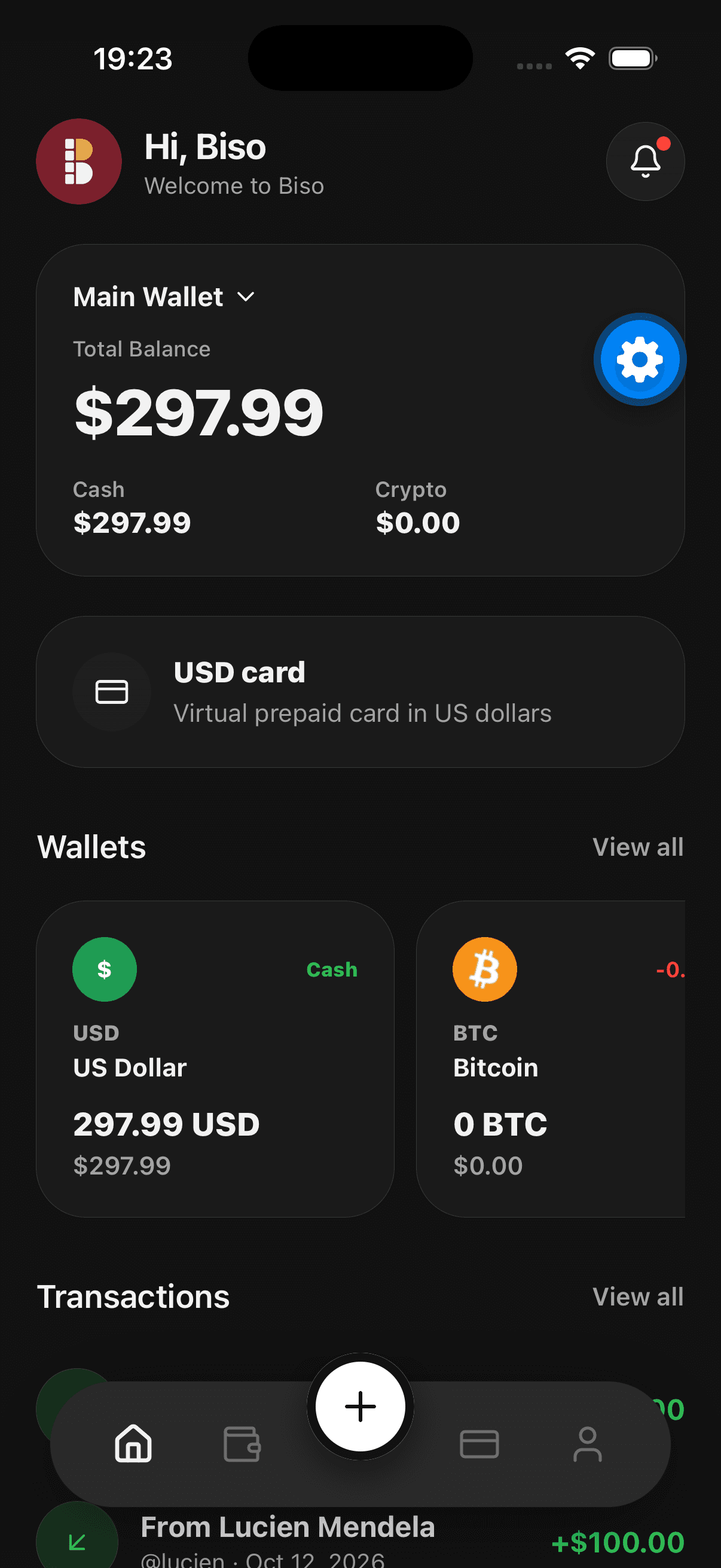
Your balance. Their rails.
Banking partners
Bank transfer in
Mobile-money partners
Wallet collection
Liquidity partners
Stablecoin liquidity and custody
USDT and USDC
The assets you hold
You confirm a number. Banking, mobile money and liquidity stay with the partners behind the wallet.
Fund
Bank transfer through our banking partners, or mobile money through our mobile-money partners. It has to be in your name. Deposit $500 and the screen shows a $30 fee and $470 credited before anything moves.
Buy
The market rate comes from our liquidity partners. A flat $1 or $2 sits beside it. The rate is not marked up to hide the fee.
Send
To an address on a supported network, or to another Biso user. You confirm with your PIN or biometrics.
$0
Share an address or a QR code, with the network named on screen. Biso does not charge you to receive.
How it works
01
Phone or email, a one-time code, and a transaction PIN. That is the start.
02
A phone code opens the lowest limits. A government ID and a selfie raise them. The app shows Pending, Verified or Action required.
03
Bank or mobile money, in your own name. $500 in shows a $30 fee and $470 credited.
04
Convert to USDT or USDC at the quoted rate. Keep it, send it, or receive more for $0.
Fees
No spread hidden inside the exchange rate. Every Biso fee is quoted before you confirm.
Estimate
Illustrative at about 1 USDT per USD. The $1 / $2 buy-fee threshold (shown here at $200.00) is configurable.
Under the balance
Identity checks follow the level of activity. Liquidity and custody sit with our liquidity partners. You see a balance and a status.
A one-time code opens the account. Your legal name, date of birth, a government ID and a selfie raise the limits. More can be asked before a large payment. Status is Pending, Verified or Action required.
A send leaves only after you confirm it with your transaction PIN or the biometrics on your device.
Biso records what belongs to you and what belongs to treasury. That record is your balance. It is not a bank deposit and it is not a share of a pooled account.
Bank reconciliation, mobile-money settlement and blockchain confirmation all finish as Completed, Processing or Failed.
Coming next
The same rule as everything else: fees, limits and settlement time on the screen before you confirm.
01
Turn USDT or USDC into money you can use.
02
Out through our banking partners, in your own name.
03
Out to your operator, with the fee shown first.
FAQ
Fees, funding, verification and what the balance actually is.
USDT and USDC are supported. Supported assets and networks are configured centrally by Biso, so new options can be added without an app update.
A flat 6% fee on incoming funds, whether you pay by bank transfer or mobile money. If you deposit $500, you're shown a $30 fee and a credited balance of $470 before you send anything.
No. The deposit fee, the purchase fee and the market rate are always displayed as separate line items, never bundled together.
By bank transfer through our banking partners, or by mobile money through our mobile-money partners and your operator. The account or wallet must be in your own name.
No. Receiving is always $0 on Biso. Standard network confirmation times still apply before the balance appears.
Selling crypto and withdrawing to a bank account or mobile-money wallet is on our roadmap for a future release. Today, Biso covers deposit, buy, hold, send and receive.
Biso keeps its own ledger of what belongs to each user and to treasury. Your balance is that record. It is not a bank deposit and it is not a share of a pooled account. Liquidity and custody sit with our liquidity partners.
A one-time code on your phone is enough to open an account, at the lowest limits. To raise those limits, add your legal name, date of birth, a government ID and a selfie. We may ask for more before a large payment. The app shows Pending, Verified or Action required.